
Where to Enter the WorldRemit Promo Code on the Website and App
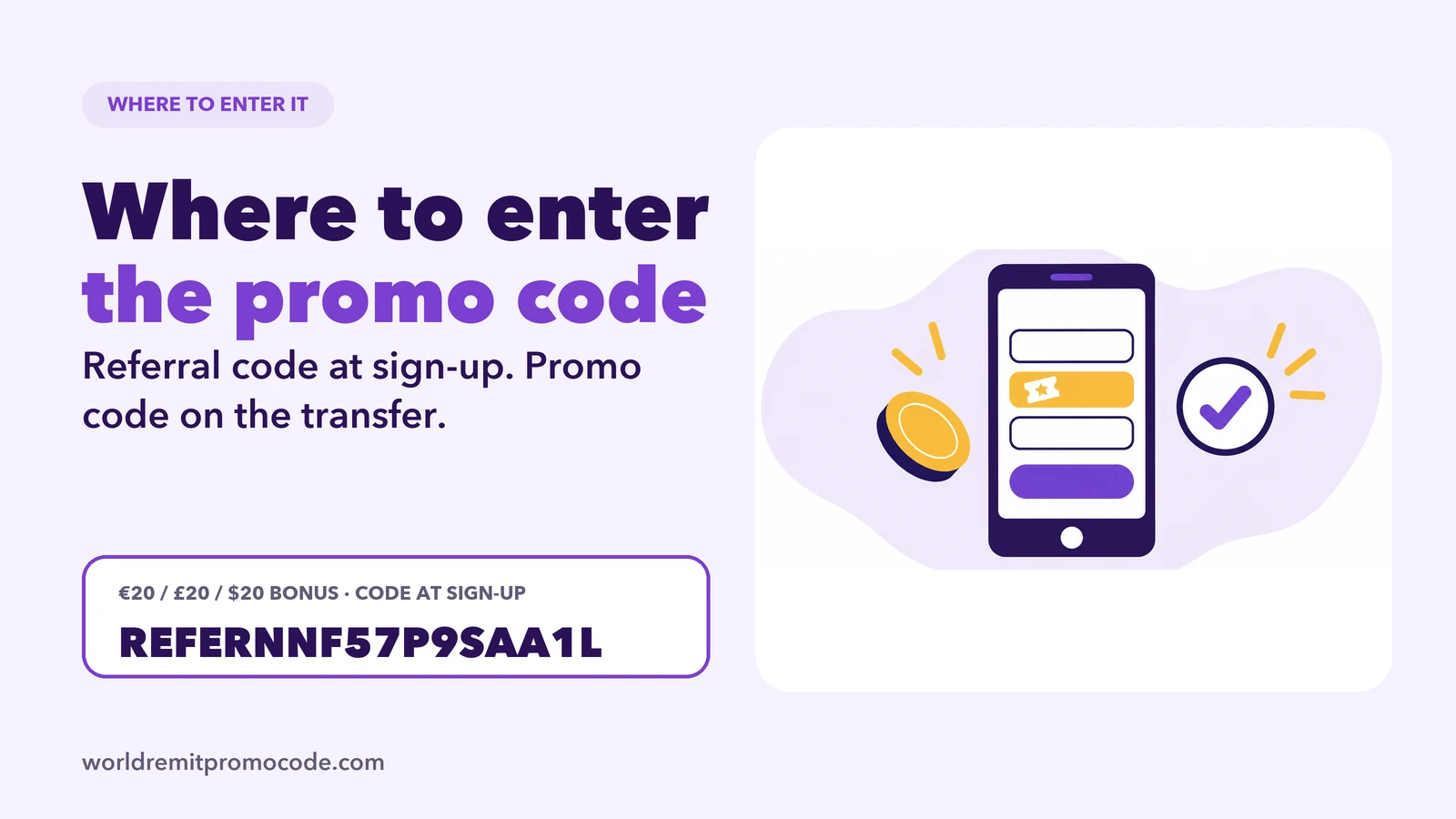
The short answer: a referral code goes in the referral code field on the sign-up form, and a promo or voucher code goes in the promo code field when you set up a transfer. WorldRemit treats them as two different codes, and mixing them up is the most common reason a code seems not to work. The code on this site, REFERNNF57P9SAA1L, is a referral code, so it belongs on the sign-up form.
Referral code or promo code?
WorldRemit says its referral code is part of its Refer a Friend programme and is "different from a 'promo code'". The two are used at different moments.
| Code | Where it goes | When |
|---|---|---|
| Referral code, such as REFERNNF57P9SAA1L | The referral code field on the sign-up form | When you create a new account |
| Promo or voucher code | The promo code field on a transfer | When you set up a transfer |
If you are new to WorldRemit, you will almost always be entering a referral code, at sign-up. The step-by-step guide to the referral code explains how the programme works.
Entering the referral code when you sign up
- Start from the referral link, or open the WorldRemit app or website yourself.
- Begin creating your account. WorldRemit's help page says a friend should "sign up using your unique referral link or add your referral code in the field during registration".
- If you came through the link, check whether the code field is already filled in. If it is empty, type REFERNNF57P9SAA1L into it.
- Finish registering, then verify your details. The ID verification guide shows what WorldRemit may ask for.
The field is on the registration form on both the website and the app. WorldRemit's description puts it at sign-up, so do not leave it for later. If you already finished registering without it, ask WorldRemit's support in the app whether it can still be linked, instead of assuming it can.
Entering a promo or voucher code on a transfer
Reward vouchers and ordinary promo codes work on the transfer itself. WorldRemit's app guide says you can add a promo code on the screen where you confirm the amount, before you pay. Its help page says that a voucher you receive is added "in the promo code field on your next transaction", and the voucher amount is then deducted from the total send amount.
A few details from WorldRemit's help page:
- A voucher is linked to your own WorldRemit account. You cannot use someone else's voucher.
- A voucher can be used once, until its expiry date.
- Minimum send amounts can apply before a voucher works.
If a code is not accepted
Work through this list before you contact anyone. It follows the reasons WorldRemit gives on its Refer a Friend help page.
- Wrong kind of code. Check that you are using the right type for the screen you are on. A voucher code and a referral code are two different codes.
- Minimum send amount. Rewards and vouchers can depend on a minimum amount, and it can vary by country and currency.
- Expiry date. A voucher only works until it expires.
- Account link. A voucher works on the account it was issued to.
- Inactive referral code. WorldRemit says a referral code can be inactive if the person who shared it has broken the terms or is no longer a customer.
- Typing. Capitals and numbers are easy to mistype, so copy and paste the code if you can.
If none of that explains it, use the in-app chat. WorldRemit says in-app support is available around the clock.
FAQ
Where do I enter a WorldRemit referral code?
In the referral code field on the sign-up form, when you create a new account on the website or the app.
Where do I enter a WorldRemit promo code?
In the promo code field when you set up a transfer. WorldRemit's app guide says you can add one when you confirm the amount.
Is a referral code the same as a promo code?
No. WorldRemit says its referral code belongs to its Refer a Friend programme and is different from a promo code.
Can I add a referral code after I have signed up?
WorldRemit describes the field as part of registration. If you missed it, ask WorldRemit's support before you make a transfer.
Why does my voucher code not work?
It may be the wrong type of code, past its expiry date, linked to a different account, or below the minimum send amount.